🌋 The Stromboli Project
Free 🪟 Windows

Diligent Beaver Calculator

The calculator that still has yesterday’s results.

The standard keypad you already know, plus the two things it never had: a history that survives closing the app, and a compact window that stays on top of your work.

No account, no email, no licence key. Diligent Beaver is free, and it stays free.

Windows and Linux desktop builds

Windows may show a SmartScreen warning on first launch — click More info → Run anyway.

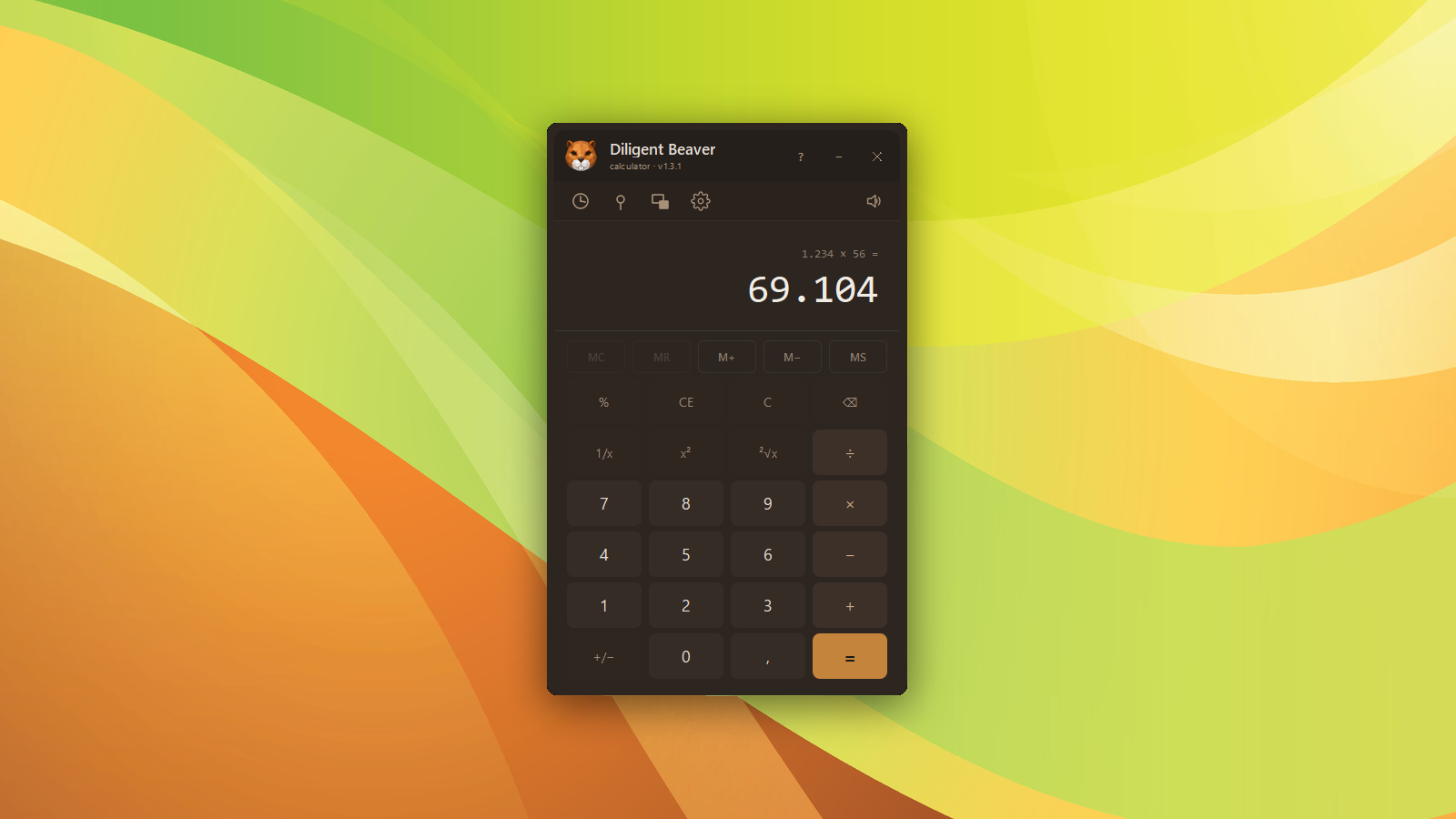
Diligent Beaver's main window showing a multi-digit result, the operation above it and the full keypad including the memory row.
The calculator you already know how to use, plus memory keys and a display that keeps long figures readable.

Diligent Beaver is a desktop calculator that never forgets: every result stays in a history you can click back into, even after closing it.

Features

The whole keypad, and the three things the keys do not show.

The calculator buttons you already know.

  • Memory row: MC, MR, M+, M− and MS
  • CE clears the number, C clears everything
  • 1/x, x², √x and %
  • Sequential, like a physical calculator

A history that survives closing it.

  • Every operation kept between sessions
  • A full-screen view you swap with the keypad
  • Click any line to bring the number back

On top, when you need it there.

  • Pin button to keep the window above the rest
  • Compact overlay anchored to the top of the screen
  • Arithmetic-only keypad in compact mode
  • Interface size: Normal, +30% or +50% — the same calculator, larger

Copy out, paste in.

  • Copy the result to the clipboard
  • Paste a number from another app with Ctrl+V
  • Spanish thousand separators in the display

Local, free, and quiet.

  • No account, no cloud, no sign-in
  • The only thing it asks the network is its own version
  • Free, and it stays free
  • Mute button for the startup sound, remembered between sessions (not shown in compact mode)
  • One of the Animal Tools: same look, same habits
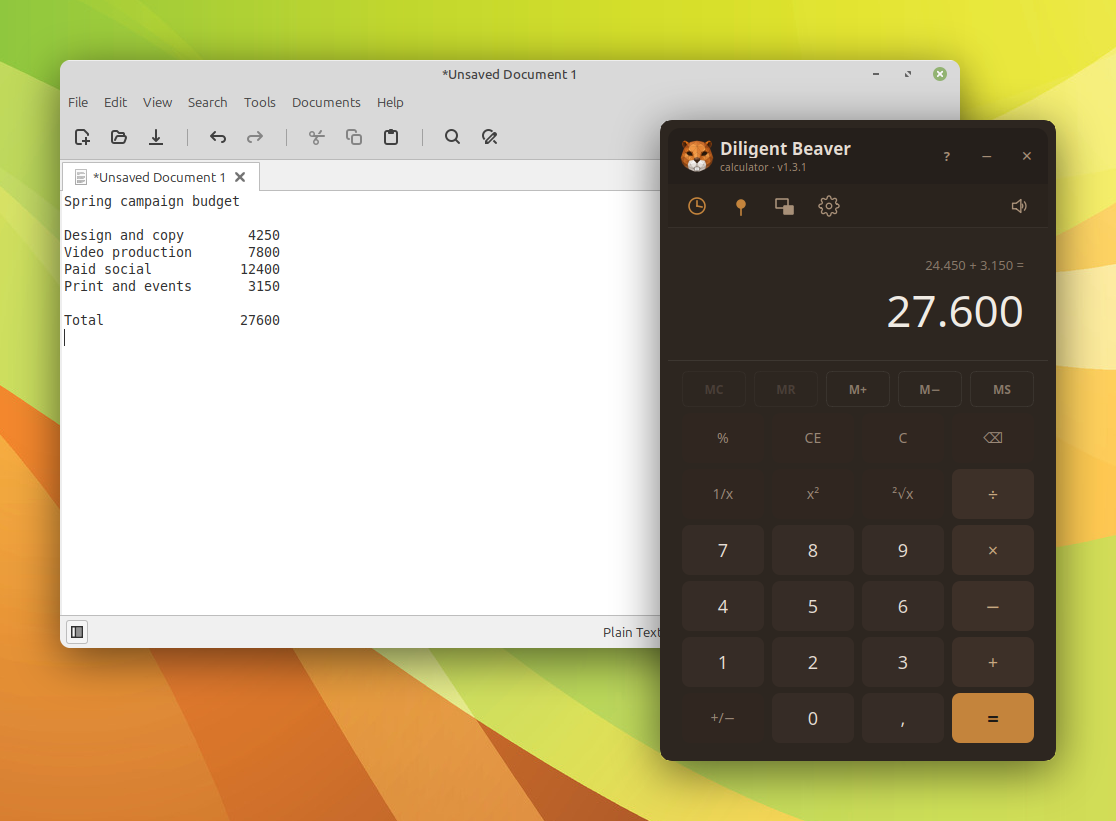
Diligent Beaver floating on top of another window, small enough not to cover it, with its full keypad and history strip visible.
Pin it on top and keep your sums right beside the document they belong to.

What you get

Three things the calculator already on your desktop does not do.

The history survives the close

Every operation is kept between sessions, on a full view you swap with the keypad. Click a line and the number comes back.

The standard keypad, complete

Memory row, CE apart from C, and 1/x, x², ²√x and % — button for button.

Small, and above everything

A compact overlay anchored to the top of the screen, arithmetic only. Or pin the full window over what you are reading.

The one thing

Diligent Beaver is a simple desktop calculator, the kind you already know how to use, memory buttons included. Its little trick is the pin: stick it on top of every other window and it never gets lost behind whatever you’re working on. Small, quick, always in sight.

— Javier, The Stromboli Project
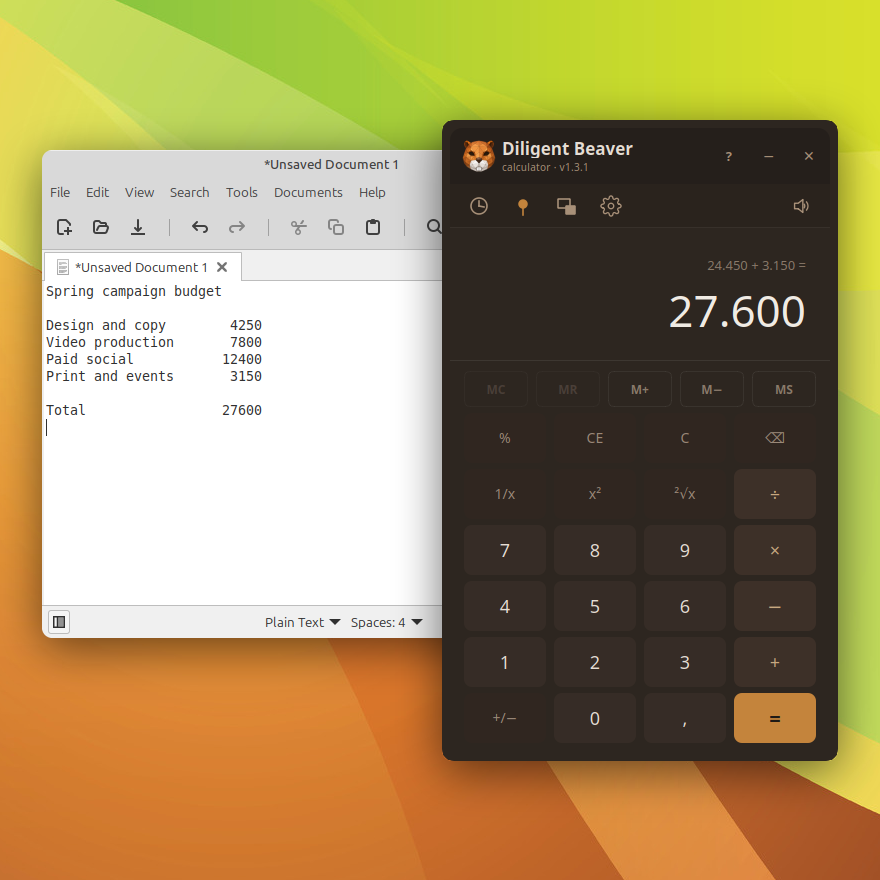
Diligent Beaver pinned on top of a text editor with a campaign budget, the pin lit in the toolbar and the total 27.600 on the display.
Pin it and it stays above every window, so the calculator is right there while you read the numbers.

Where it fits

For the sum you do between two other things.

It is the right tool when…

  • the number has to be there now, without opening a browser tab
  • you need the figure from yesterday, not only the one on screen
  • it has to sit on top of the invoice or the sheet you are reading
  • the number arrives with Ctrl+V and leaves on the clipboard

What it needs

  • Windows 10 or 11. Nothing else to install
  • Linux: published as .deb and .AppImage
  • macOS: no build. This is a Windows and Linux desktop app
  • No account and no key — it opens on the keypad, ready

How it goes

Type it, read it, take it with you.

It works like a physical calculator — accumulator and pending operator — so the keys do what your hands already expect.

  • Keyboard or buttons, whichever you reach for first
  • The history opens where the keypad was, and goes back the same way
Step 1 · Type Enter the operation, or paste a number from another app with Ctrl+V.
Step 2 · Read The display groups thousands, so a long figure stays readable at a glance.
Step 3 · Take it Copy the result to the clipboard — and find it again in the history tomorrow.
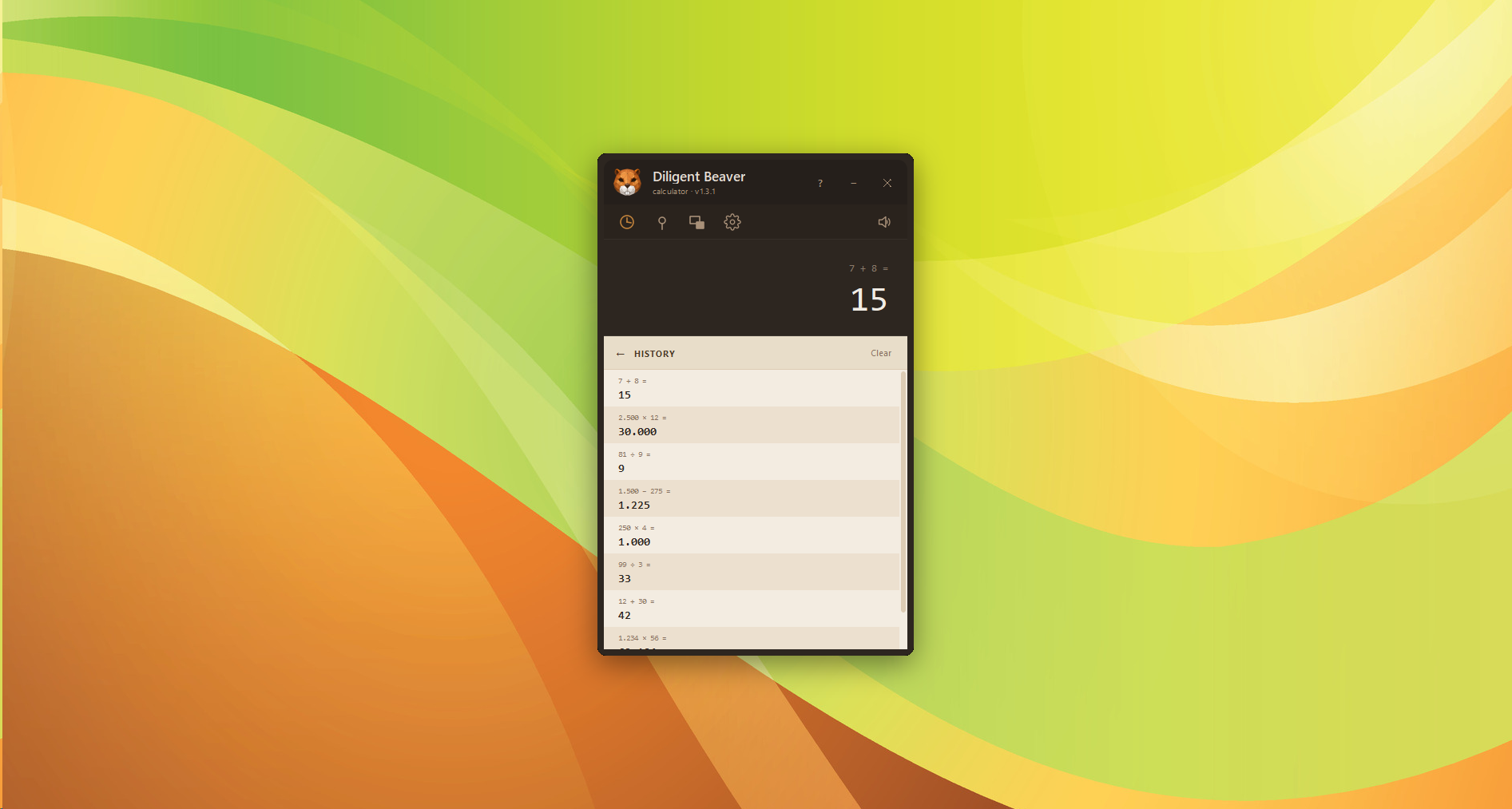
Diligent Beaver's history view filling the window, listing several earlier operations with their results and the pointer over one of them.
Every result you worked out, still there tomorrow. One click brings it back.

Who it is for

People who calculate all day and never open a spreadsheet for it.

A price, a percentage, a total to check. The guide covers the same ground slowly: the keypad, the memory row, the history and the compact mode.

Read the complete guide →

What it leaves out

A standard calculator, on purpose.

  • No scientific functions beyond 1/x, x² and ²√x
  • No programmer mode: no binary, hex or octal
  • No currency conversion and no rates fetched from anywhere
  • No free text: the input is calculator keys, not a language
  • No cloud and no account — the history is a file on your machine