🌋 The Stromboli Project

The Stromboli Project

Free to download No subscriptions Made by one person 🪟 Windows is the main platform · some also have Linux builds · no macOS

Free desktop tools. Built by one person.

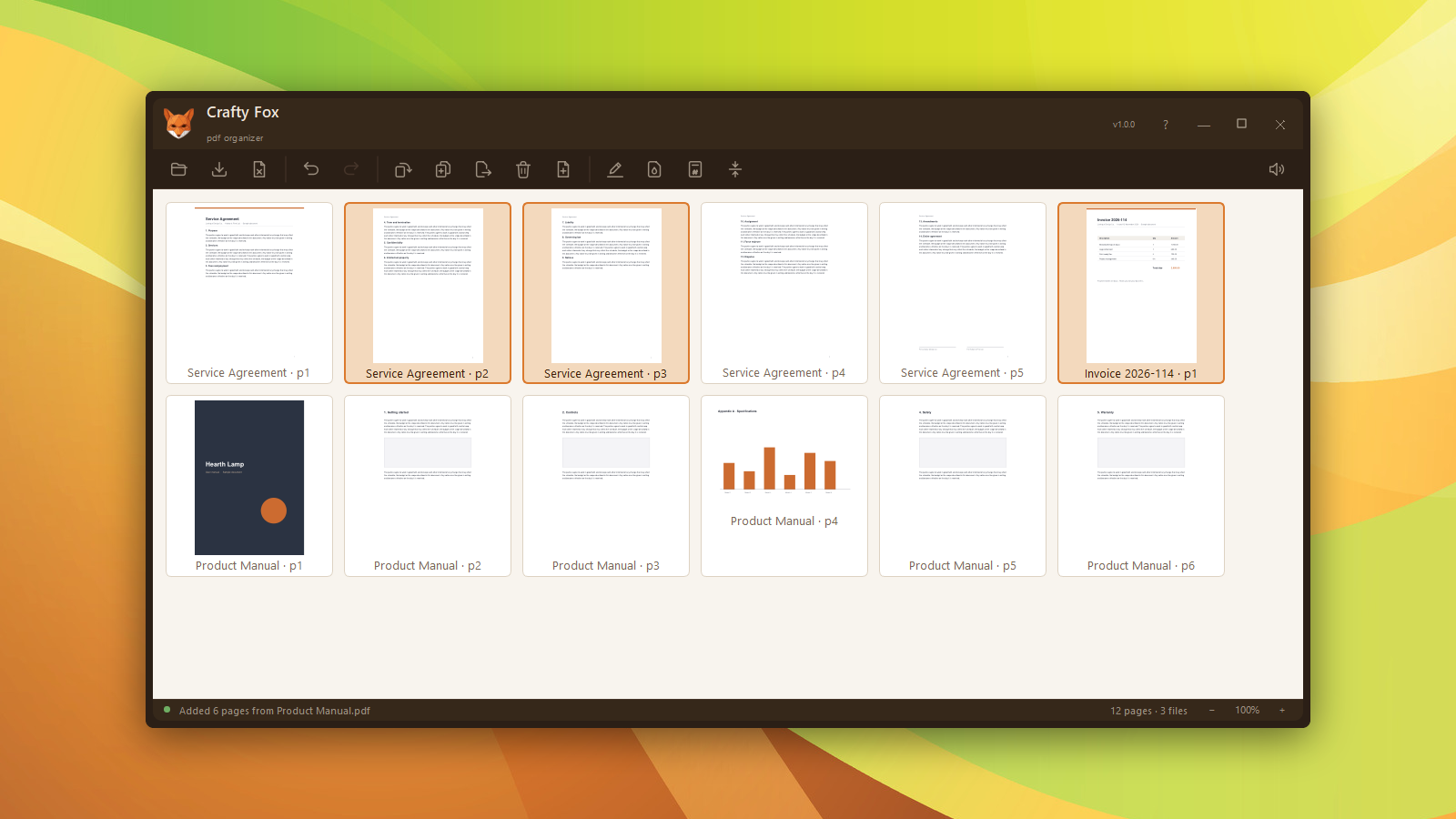
Nineteen small applications for Windows, each made for one job: write a note, capture the screen, dictate a paragraph, tidy up the desktop. Every one downloads free, with no account and no subscription. Small tools. Real work.

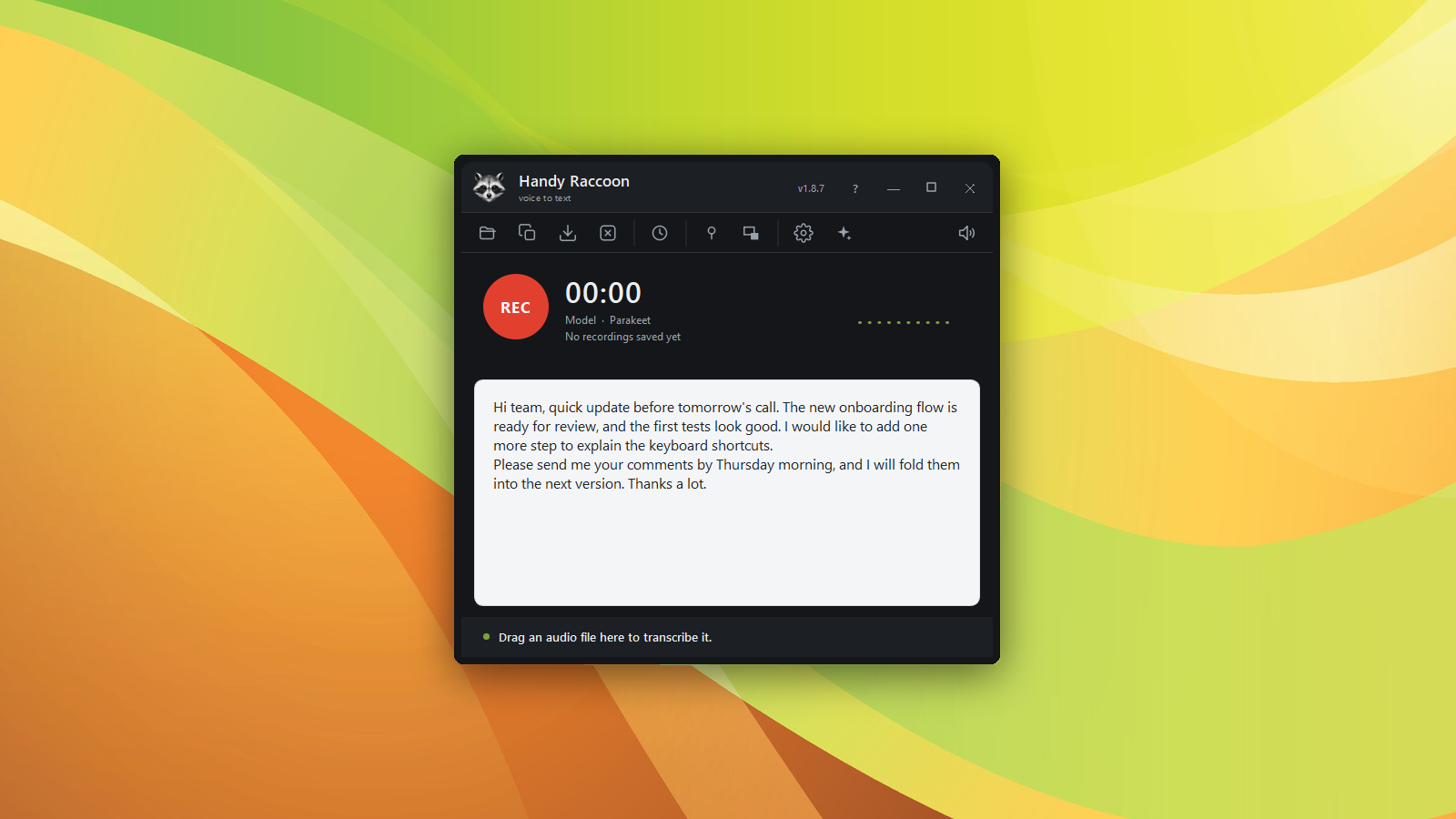
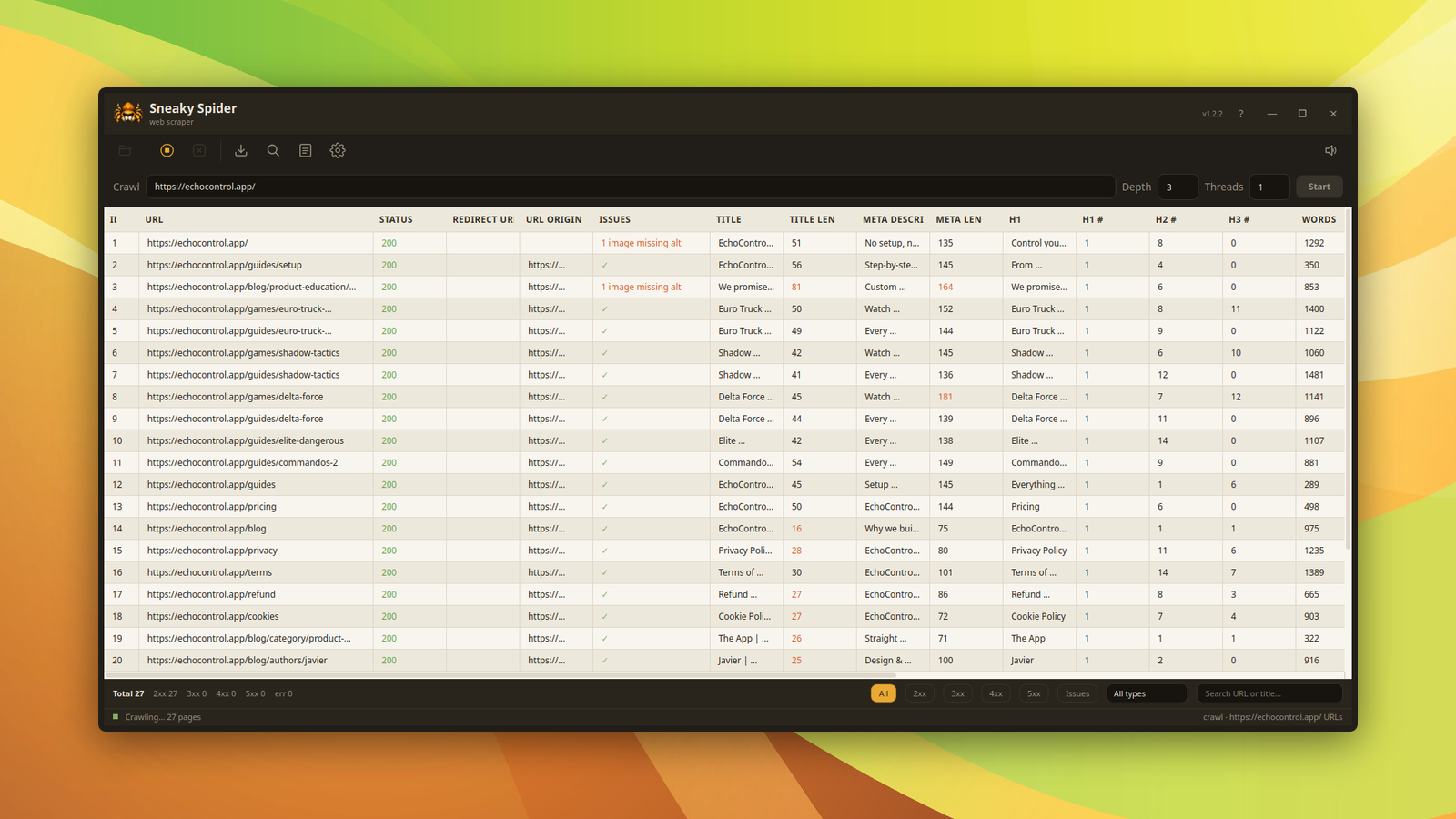
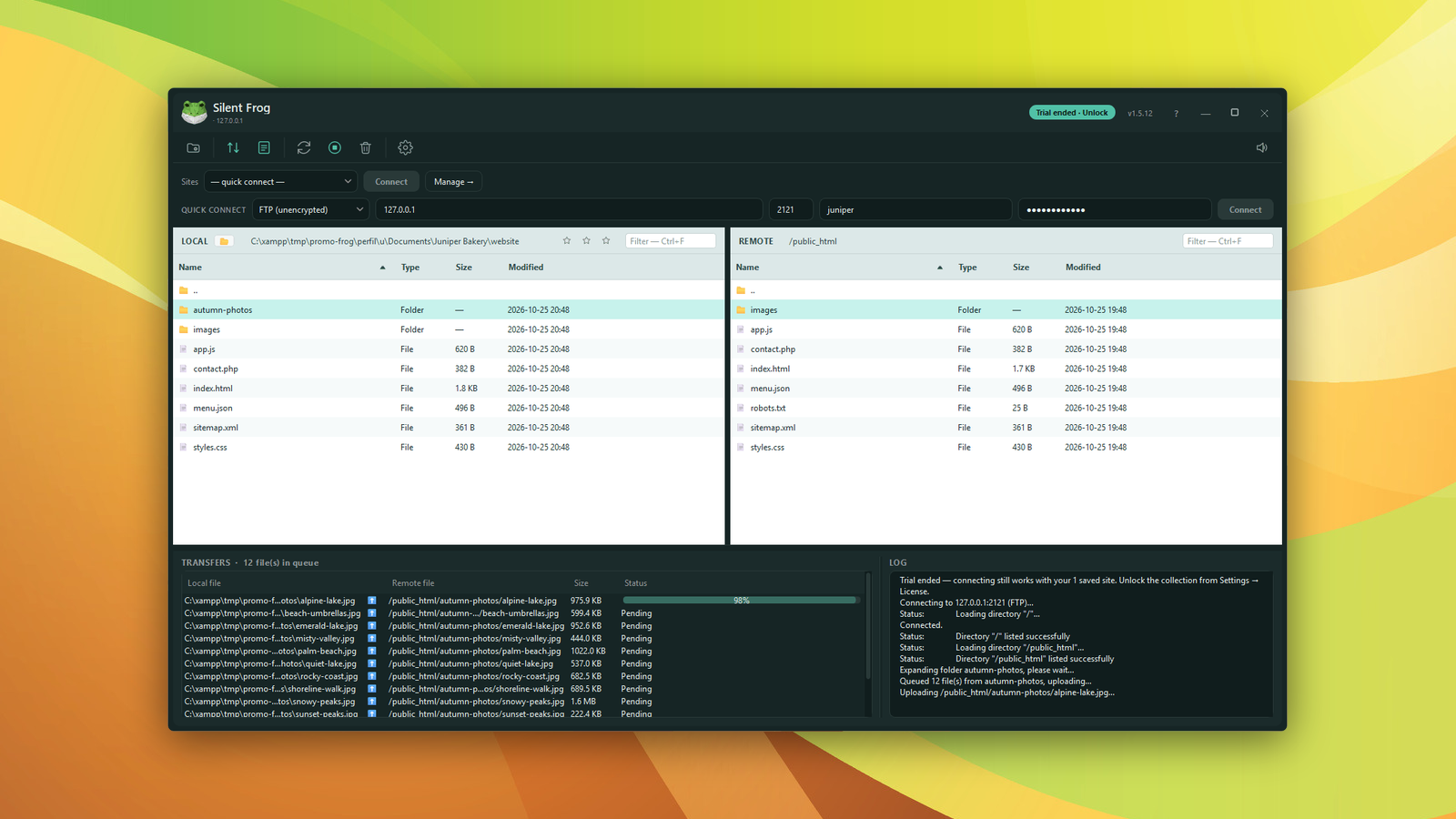
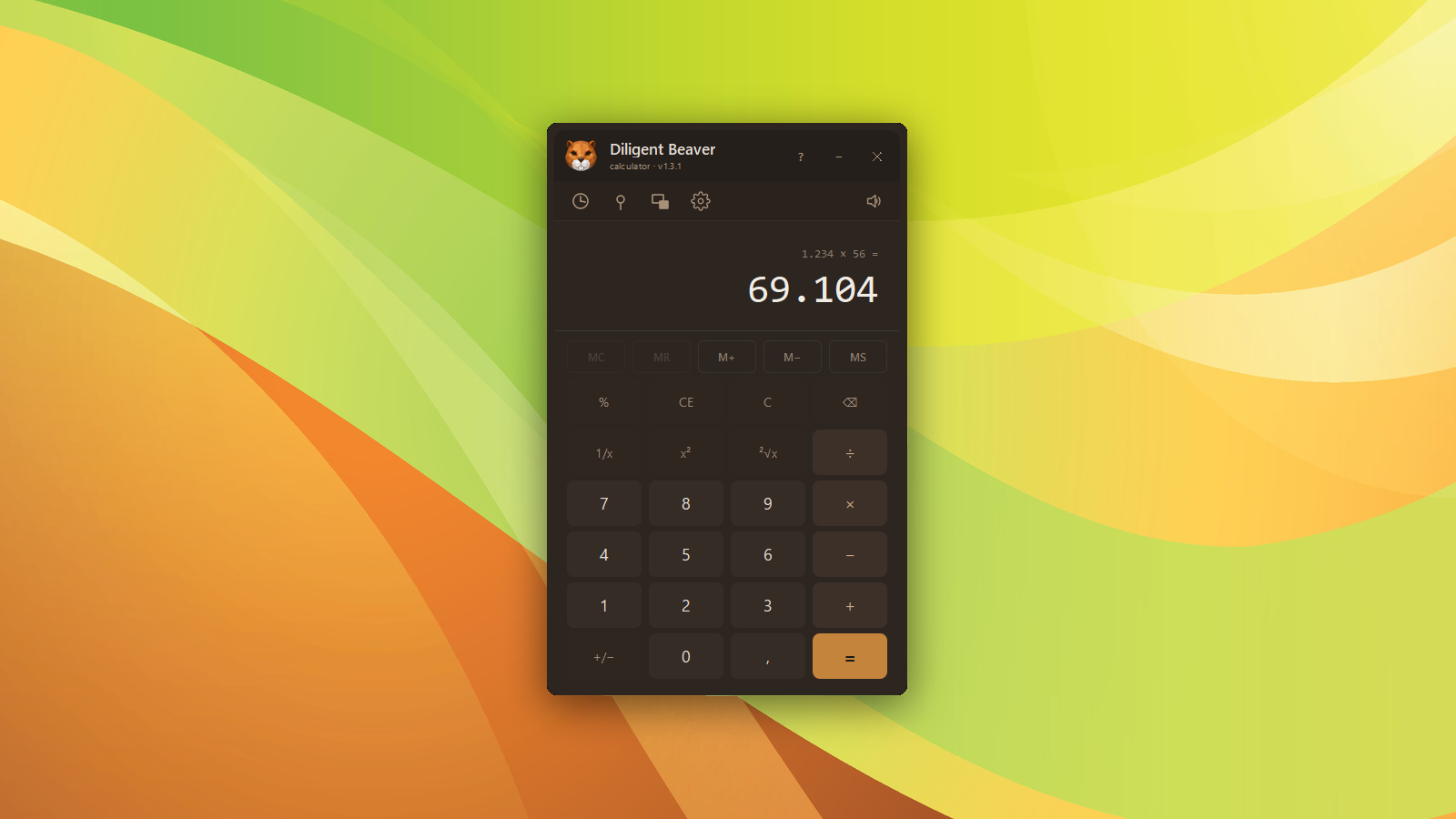
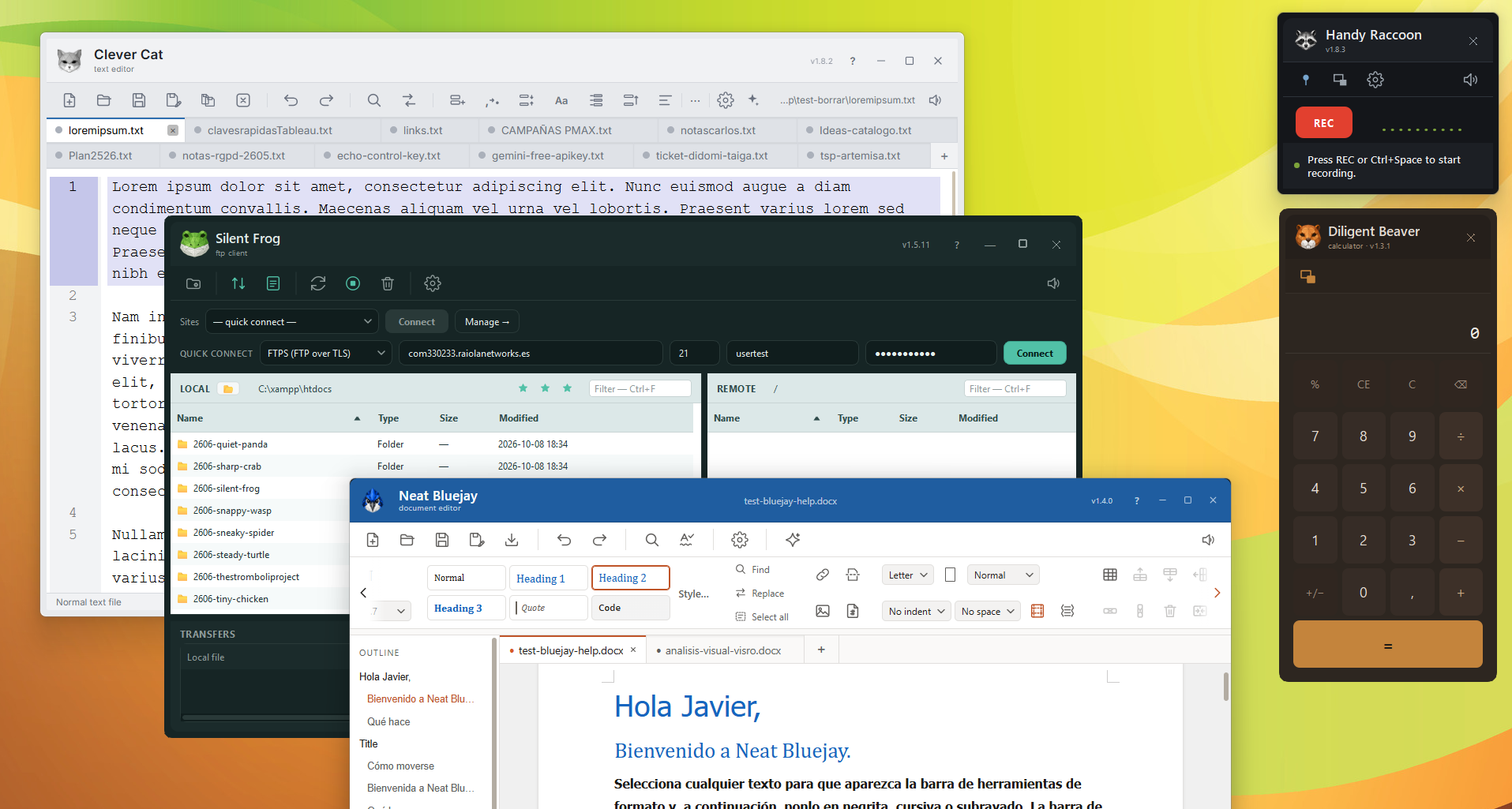
A Windows desktop with five Animal Tools open at once: Clever Cat with its text tabs, Silent Frog with a quick connection, Neat Bluejay editing a document, Handy Raccoon ready to record and Diligent Beaver as a calculator.
Easy to learn Fast to use and easy to learn — pick it up in minutes, no manual needed.
No feature bloat Each tool does one job on purpose. No hidden menus, no features you'll never touch.
No account, no subscription You download it and it is yours. Nothing to sign up for, nothing that renews.
Optional AI A few tools add small AI actions — off by default, and only on if you add your own Google Gemini key.

The collection

Nineteen tools. One job each.

Every one of them downloads free. Pick the job you have today: each tool page says what it does, what it leaves out and what it needs.

Documents and office

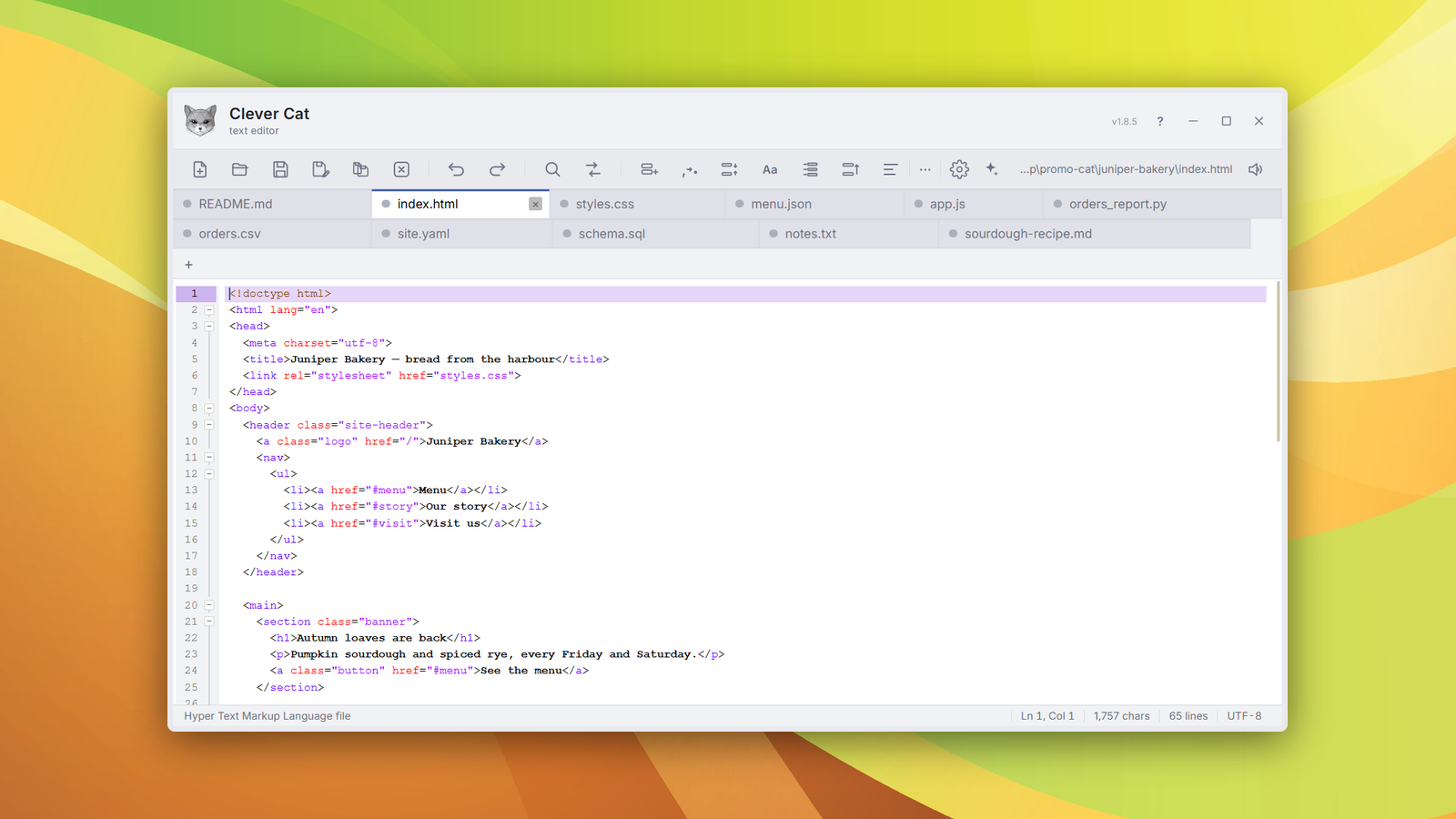
For writing, calculating and presenting: the documents you hand over.

Audio, files, image and video

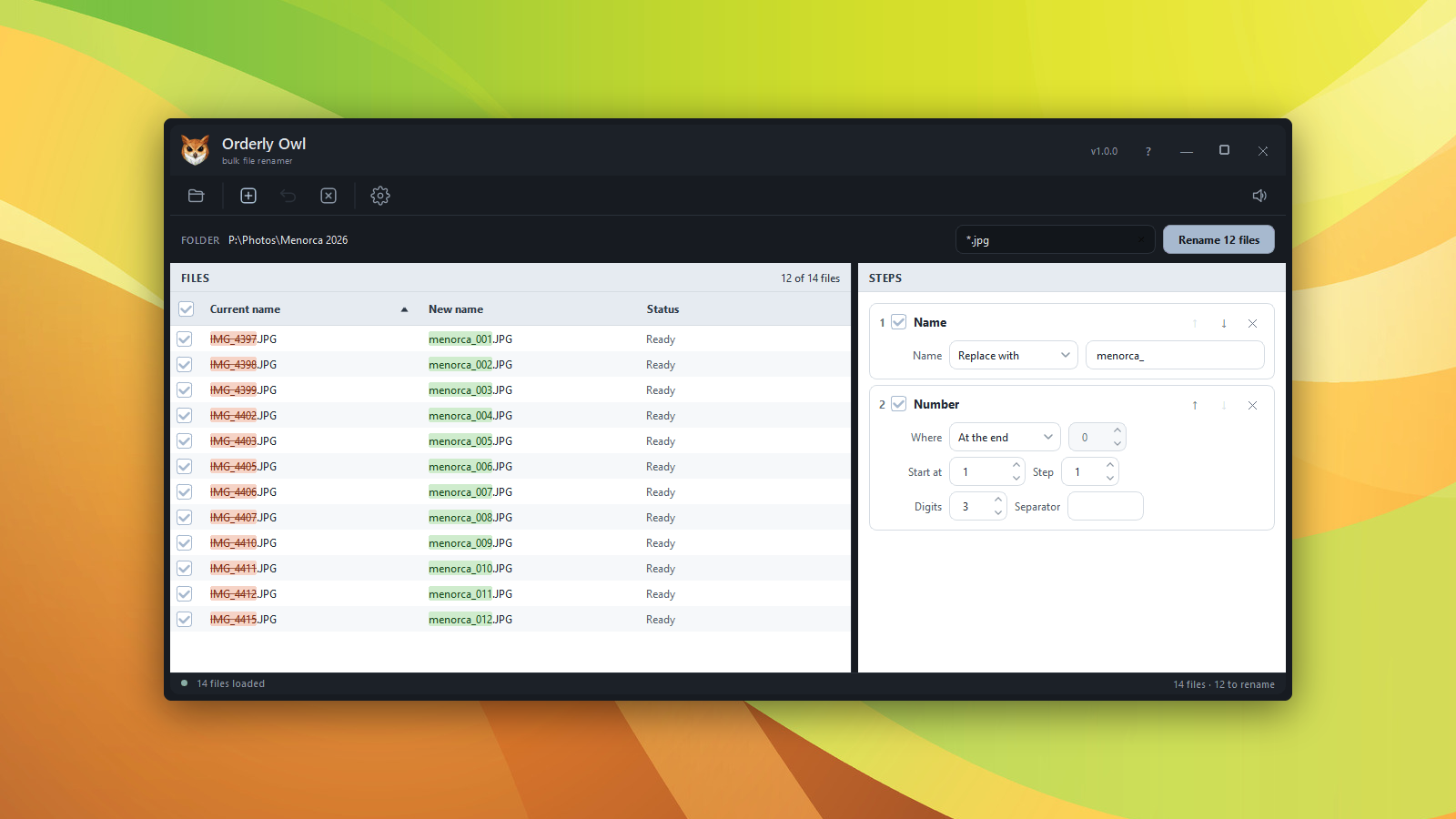
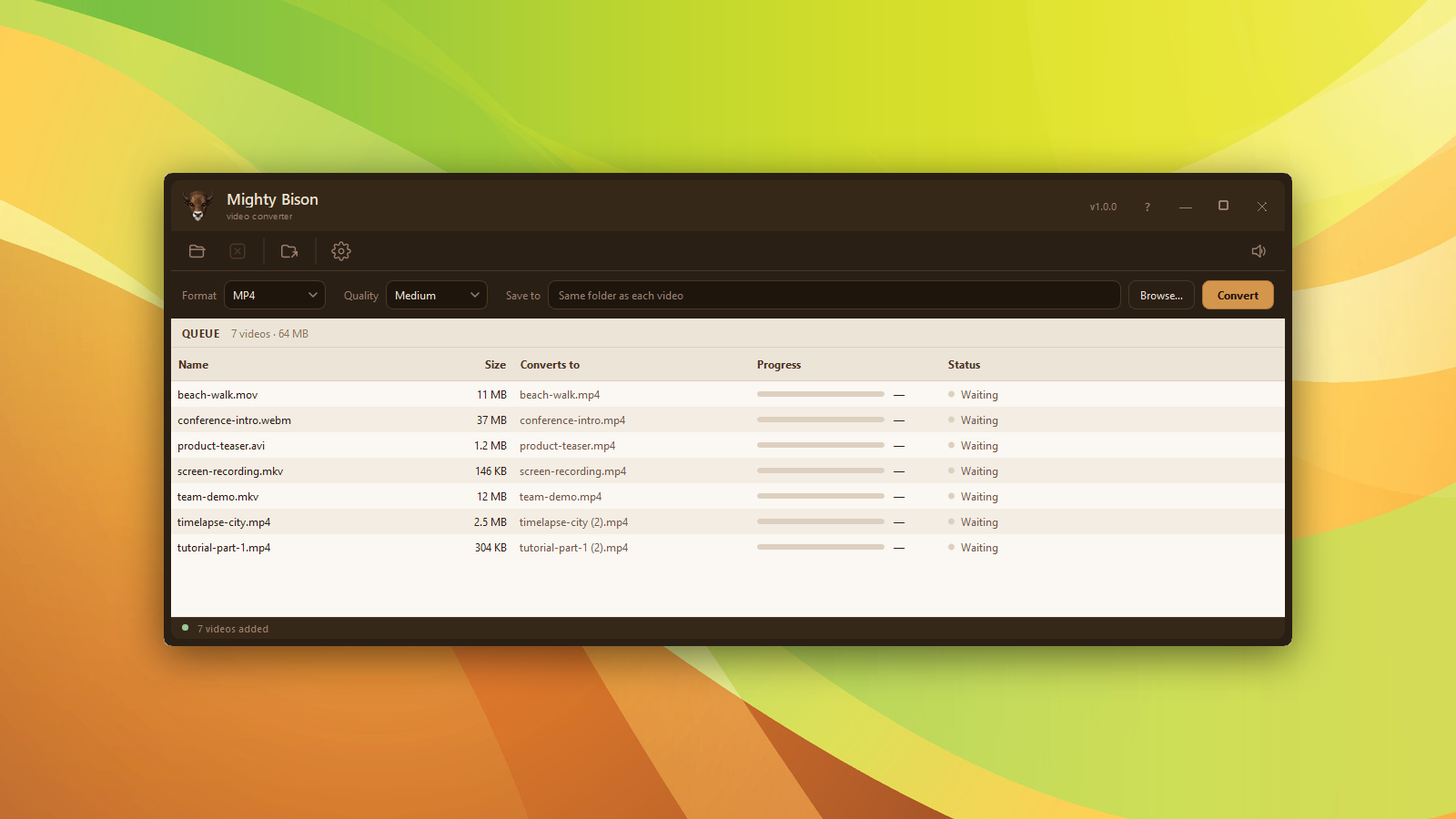
For dictating, capturing, converting and renaming: voice, files, images and video.

Web and code

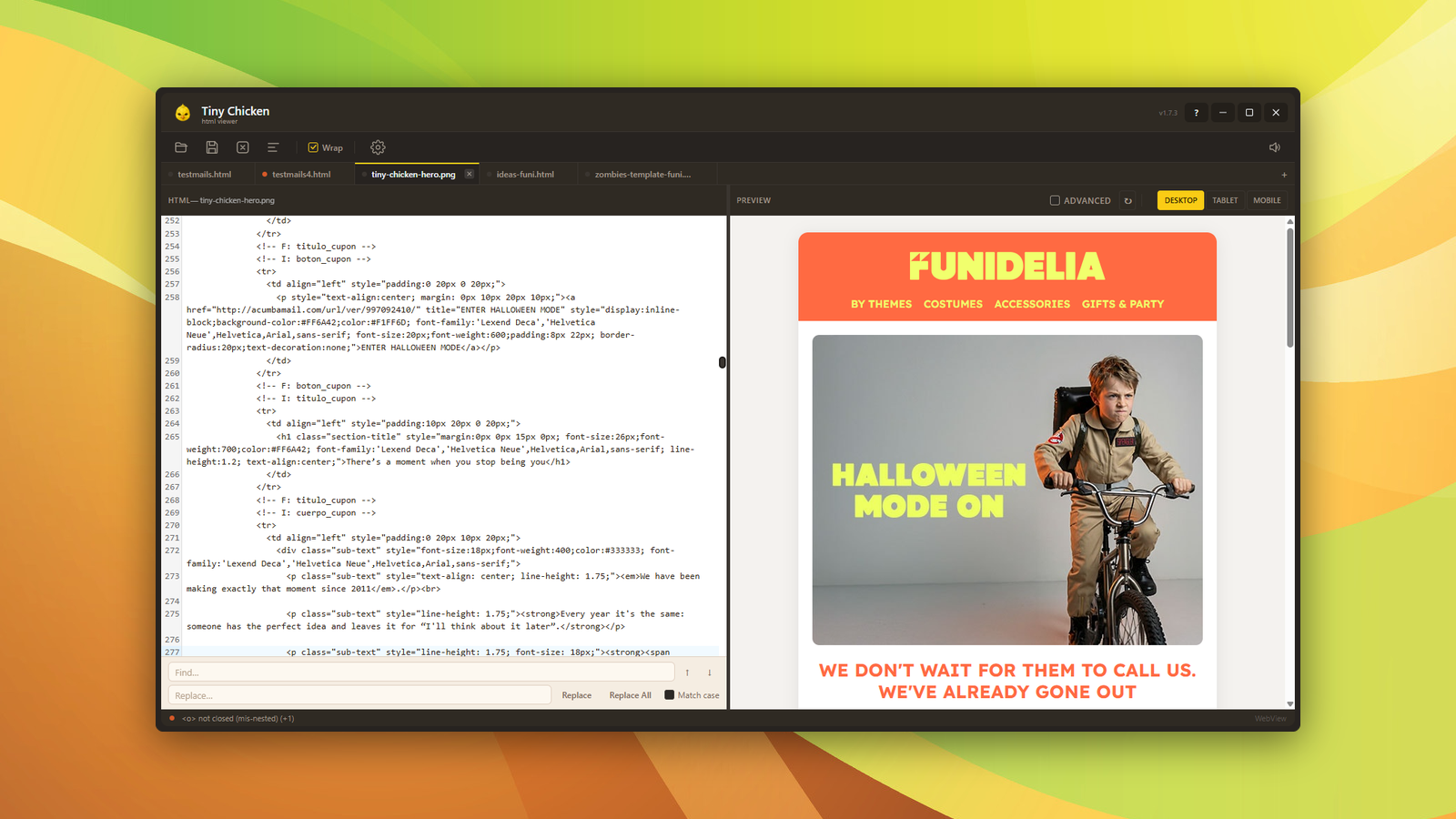
For technical work: checking markup, crawling sites, moving files to a server, editing code and coordinating AI agents.

Small utilities

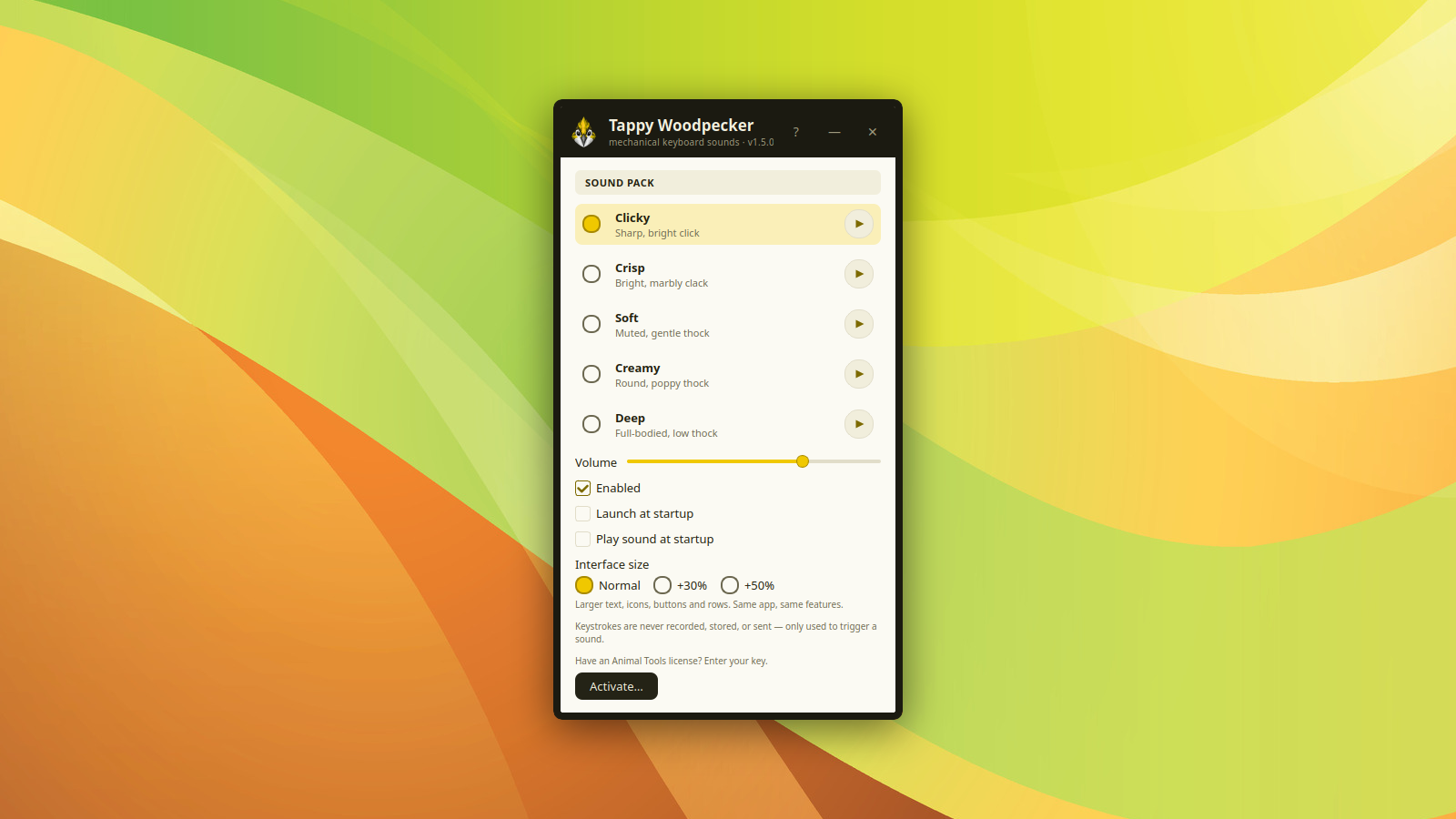
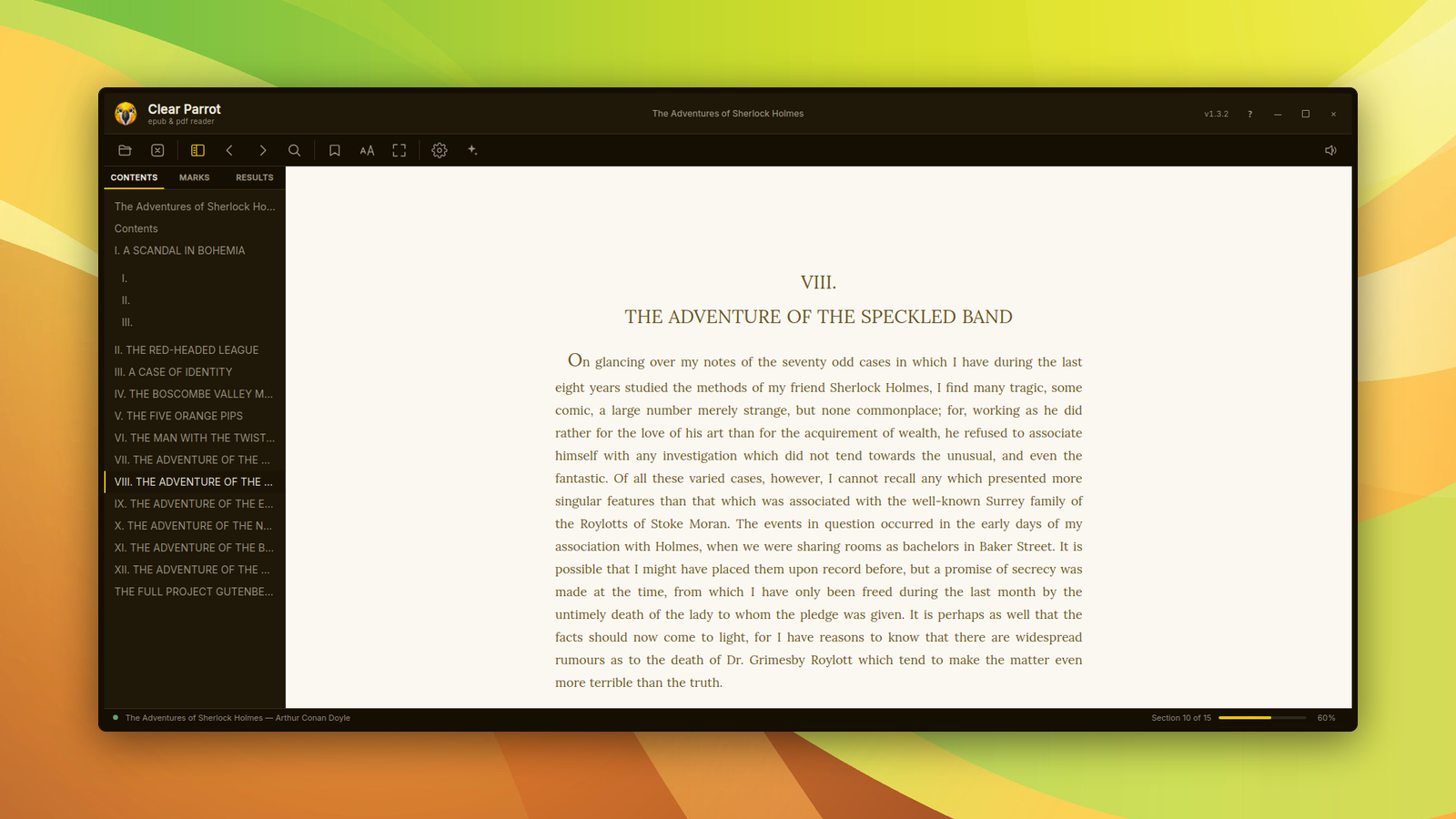
For the small everyday jobs: run the numbers, tidy the icons, launch your apps, read a book, hear the keyboard.

Pick by the job

Four kinds of job.

The catalogue is grouped by what you are trying to get done, not by price. Free and licensed tools sit side by side in all four.

All nineteen tools, side by side →

Who makes them

One person.

The Stromboli Project is one person, working from Spain, building small desktop tools one at a time — each one because it was worth having on a real desktop. Animal Tools is the first collection: nineteen applications so far. No team, no investors and no roadmap driven by growth. When you write, the reply comes from the person who wrote the software.

How it stays free

Free to use. A licence if you want more.

Nine of the tools are free with no limits at all: no key, no account, nothing that expires. They are finished applications, not demos and not cut-down editions of something else.

The other ten are free to download and use too. The first 14 days are the full version; after that each keeps working with one limit, written on its own page.

If you hit that limit, or simply want to support the project, one Animal Tools licence gives you the full version of all ten — €19.99, once. No subscription and no renewal.

  • Nine free, no limits — nothing to activate and nothing that expires
  • Ten free with one limit each — the full version for their first 14 days
  • €19.99 once for the full versions — VAT included, up to three computers

What the licence adds
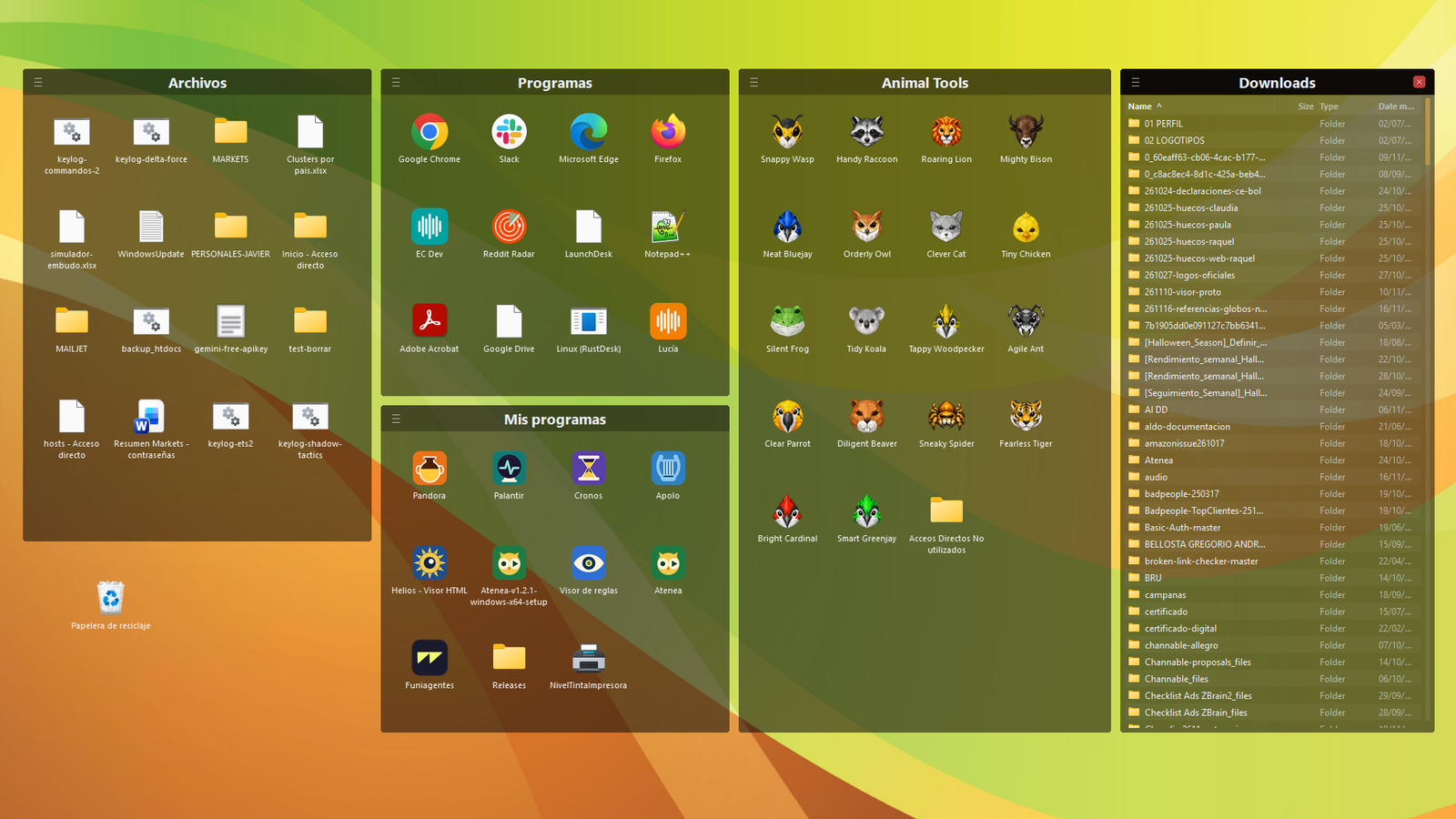
Free · nine tools Clever Cat, Snappy Wasp, Diligent Beaver, Tappy Woodpecker, Clear Parrot, Orderly Owl, Mighty Bison, Funky Monkey and Crafty Fox. No key, no email, nothing to renew. See the free nine →
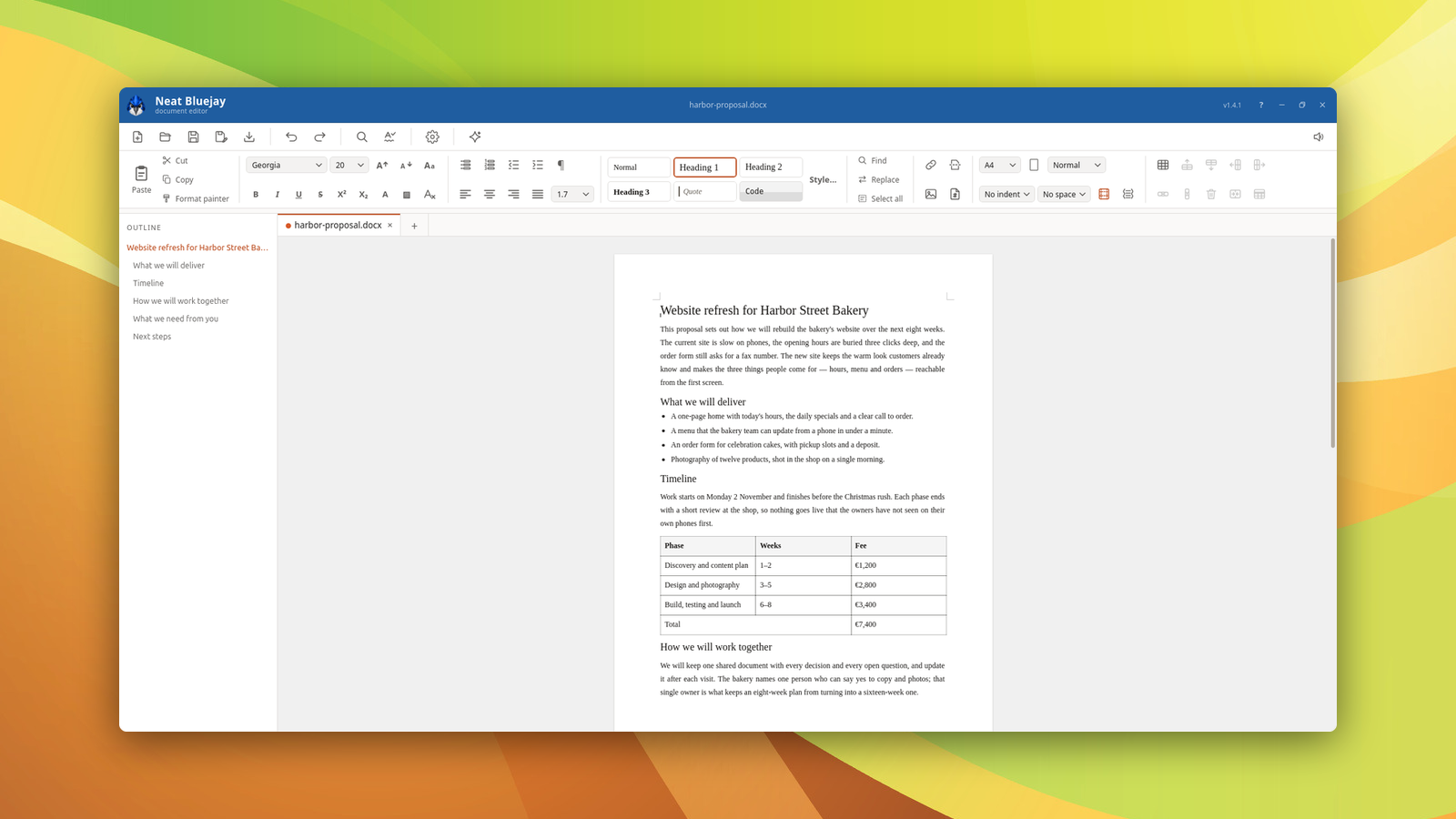
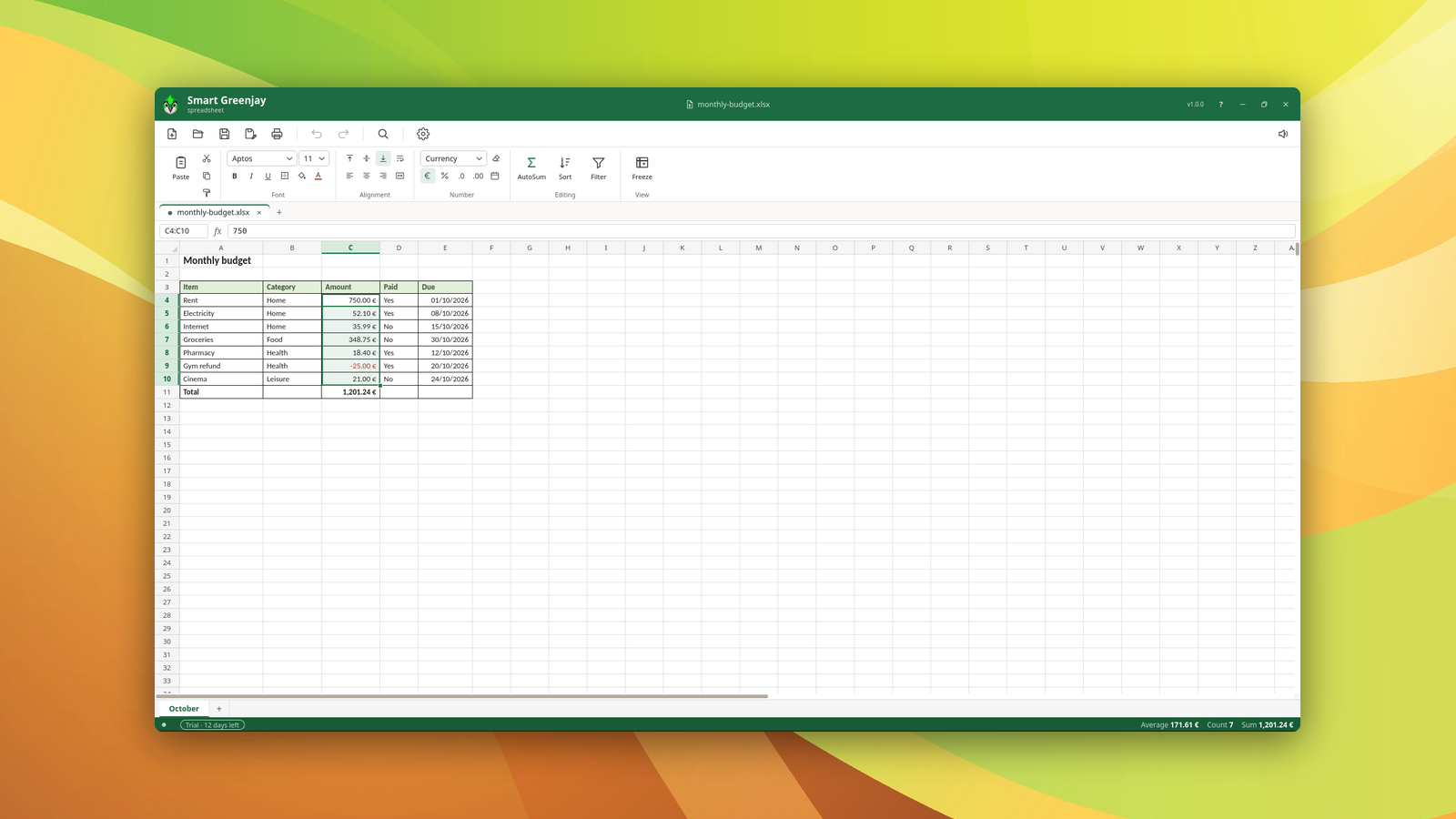
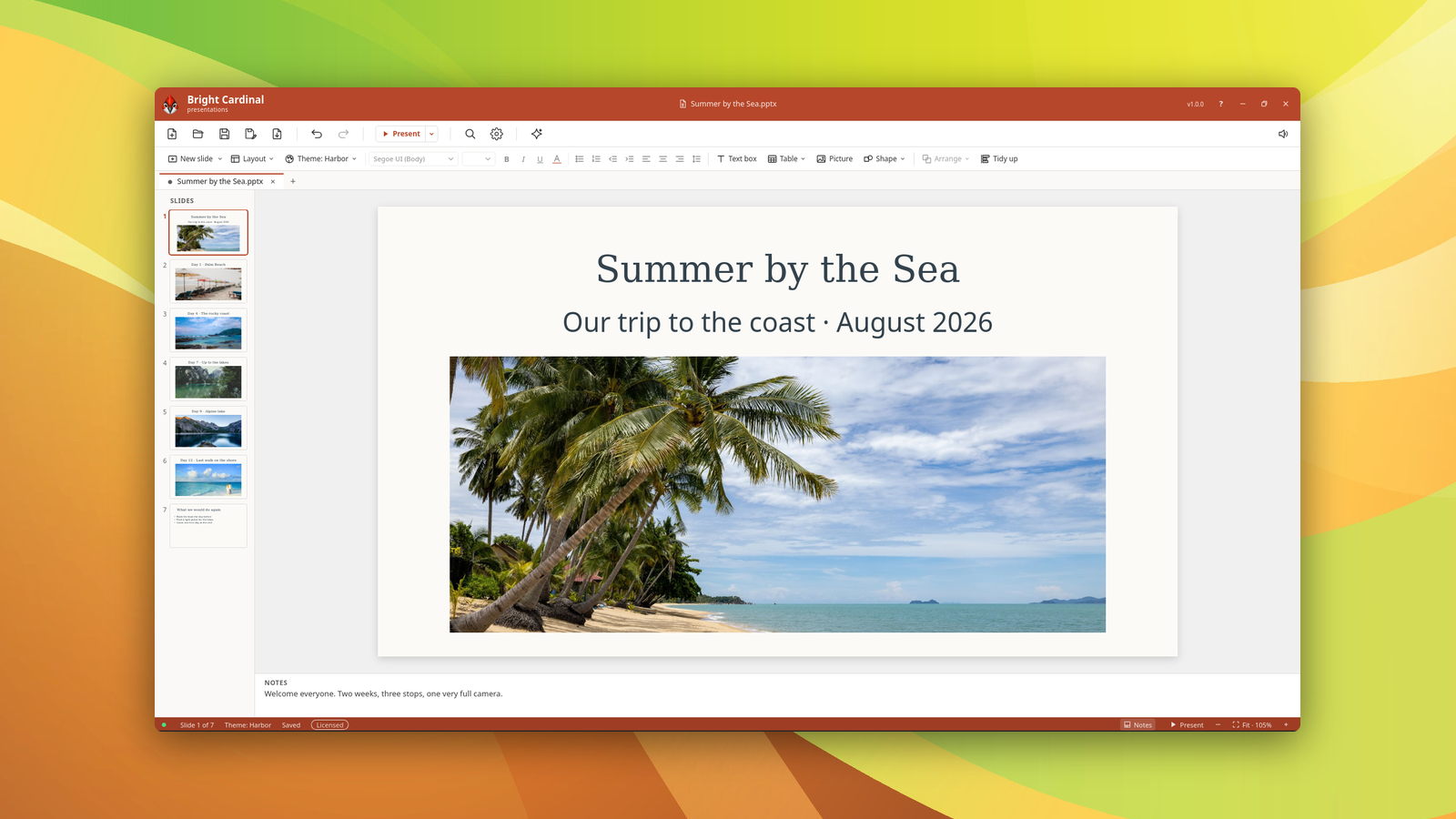
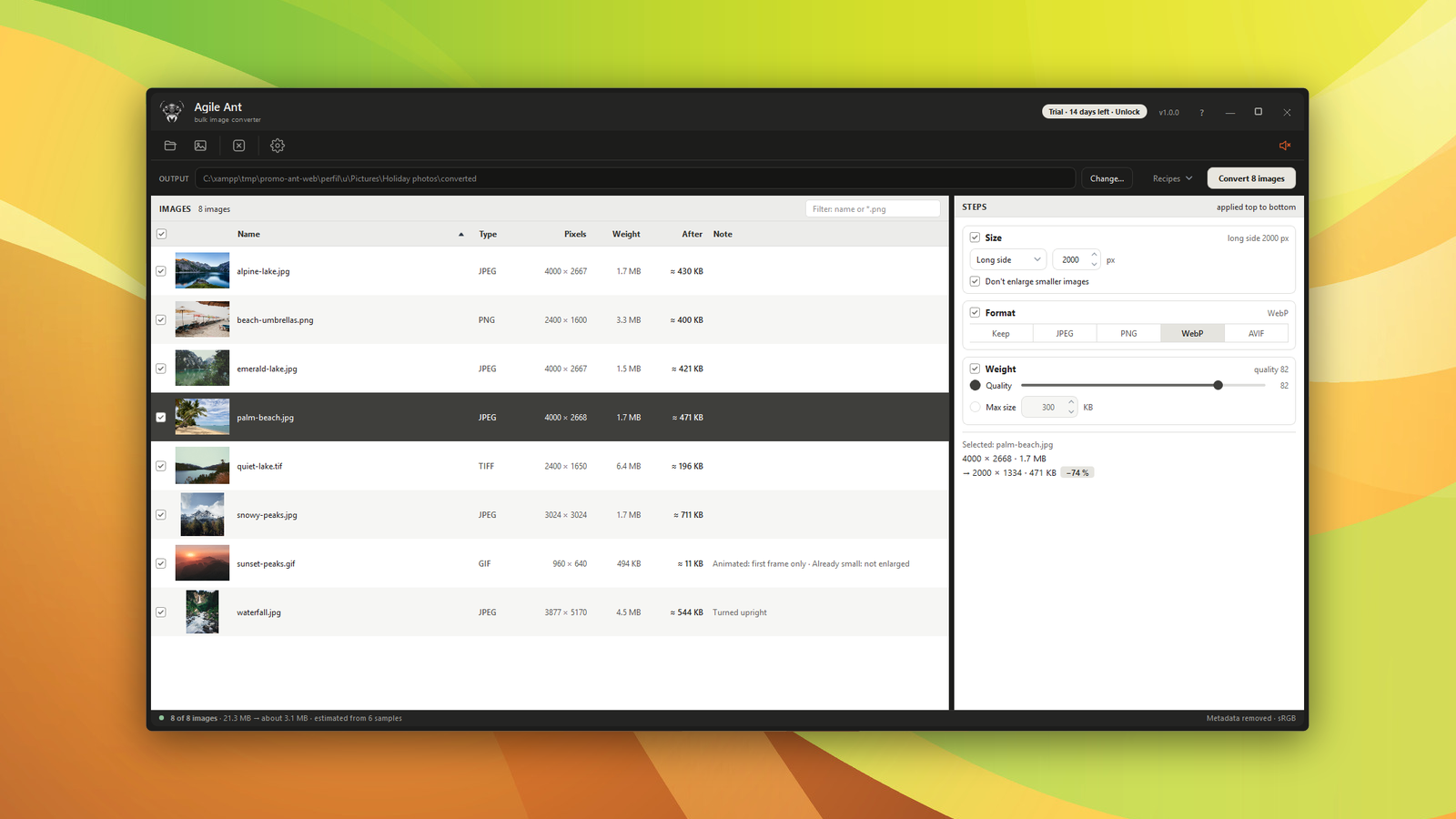
Free + licence · ten tools Handy Raccoon, Tiny Chicken, Tidy Koala, Silent Frog, Neat Bluejay, Sneaky Spider, Agile Ant, Smart Greenjay, Bright Cardinal and Fearless Tiger: free to use, with a full version through one licence. See the ten →
Buying is not a subscription One payment, handled by Paddle as merchant of record, and the key goes into the app you already installed. Licence questions →

Before you install

Guides, not manuals.

Every published tool has a guide that walks through its real workflow, with the shortcuts and the limits written down.

  • Clever Cat — tabs, session restore and the file types it highlights
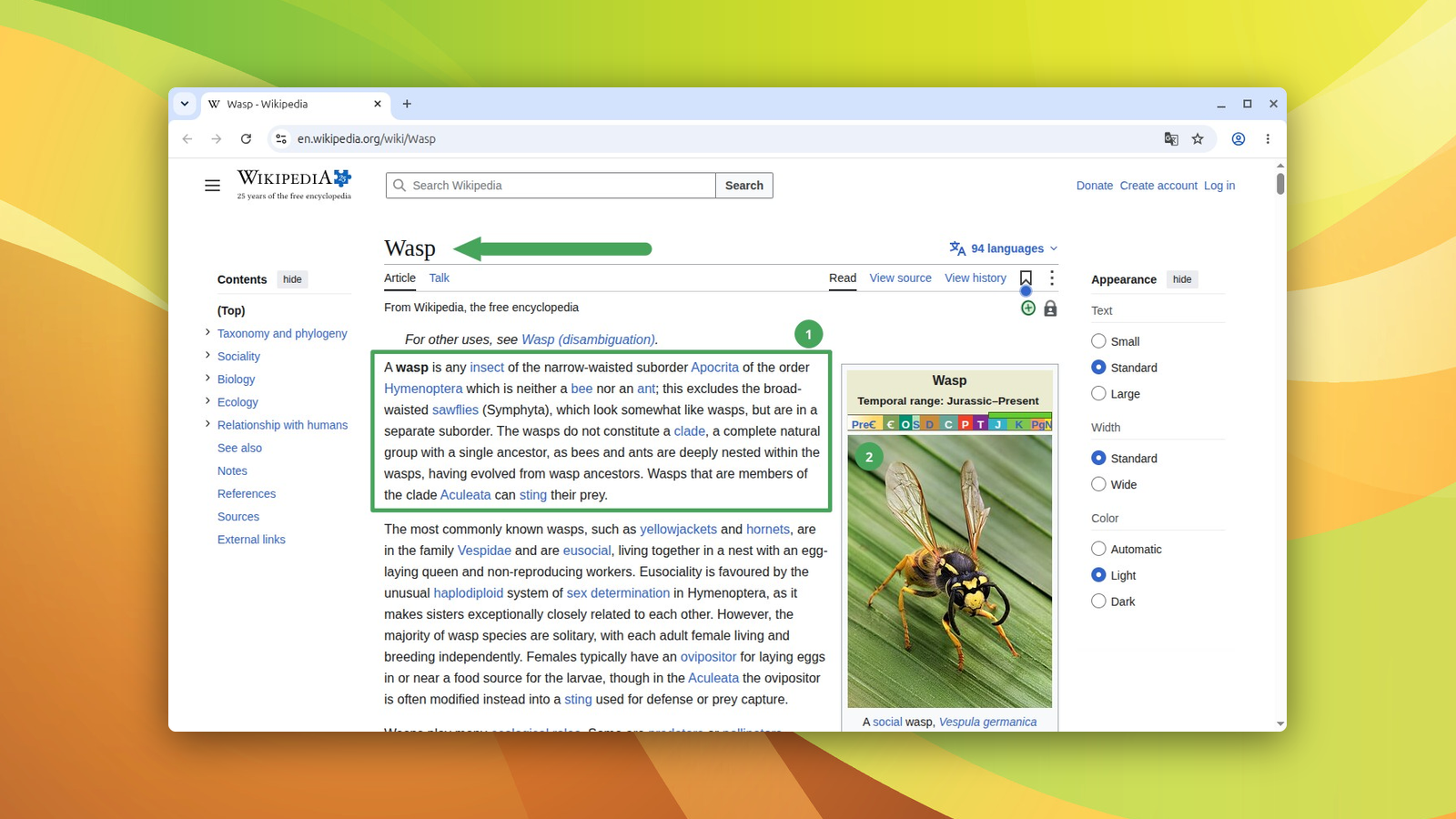
  • Snappy Wasp — the capture shortcut, the annotation tools and where the file ends up
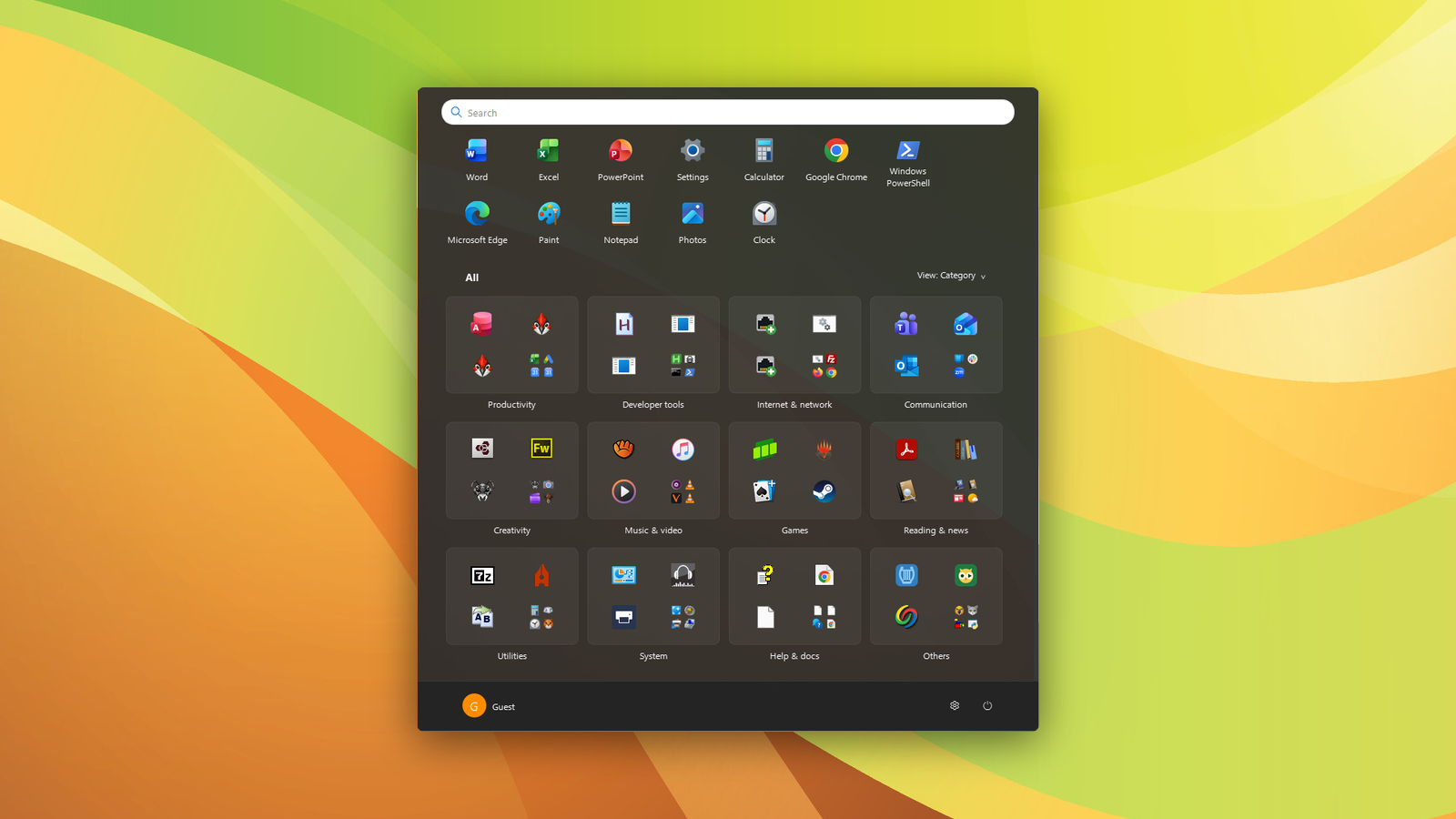
  • Tidy Koala — building zones, auto-filing and how to undo it all

All nineteen guides →

Still being worked on

Recent releases.

Versions ship when there is something to ship. This is what went out most recently.

Release log Every version, with its date and what changed, is listed on the news page. Open the release log →

Every build and system, in one list →