What an imported document keeps — and what it loses
Said plainly, because it decides whether this tool is for
you. A .docx comes in with its structure and a good part of its formatting:
headings, quotes, code, bold, italic, underline, links, images and lists survive, and
so do tables, page breaks and the alignment of each paragraph — left, centred, right
or justified — except inside a list or a quote. Its typeface, size and colour come through, both when they belong to the
document’s styles — normal text and the three headings — and when they are painted
onto one run of text; so does a highlight. Its normal header and footer come in as text,
with the page number as a live field, and are used on every page: a different one for
the first page or for even pages is left out, and with several sections the last
one’s is taken. What still does not come
through: other formatting inside the header and footer (bold, alignment, pictures),
other fields there such as the total page count (they arrive as the text Word last
showed), a page break inside a list or a table, and an alignment that comes from a
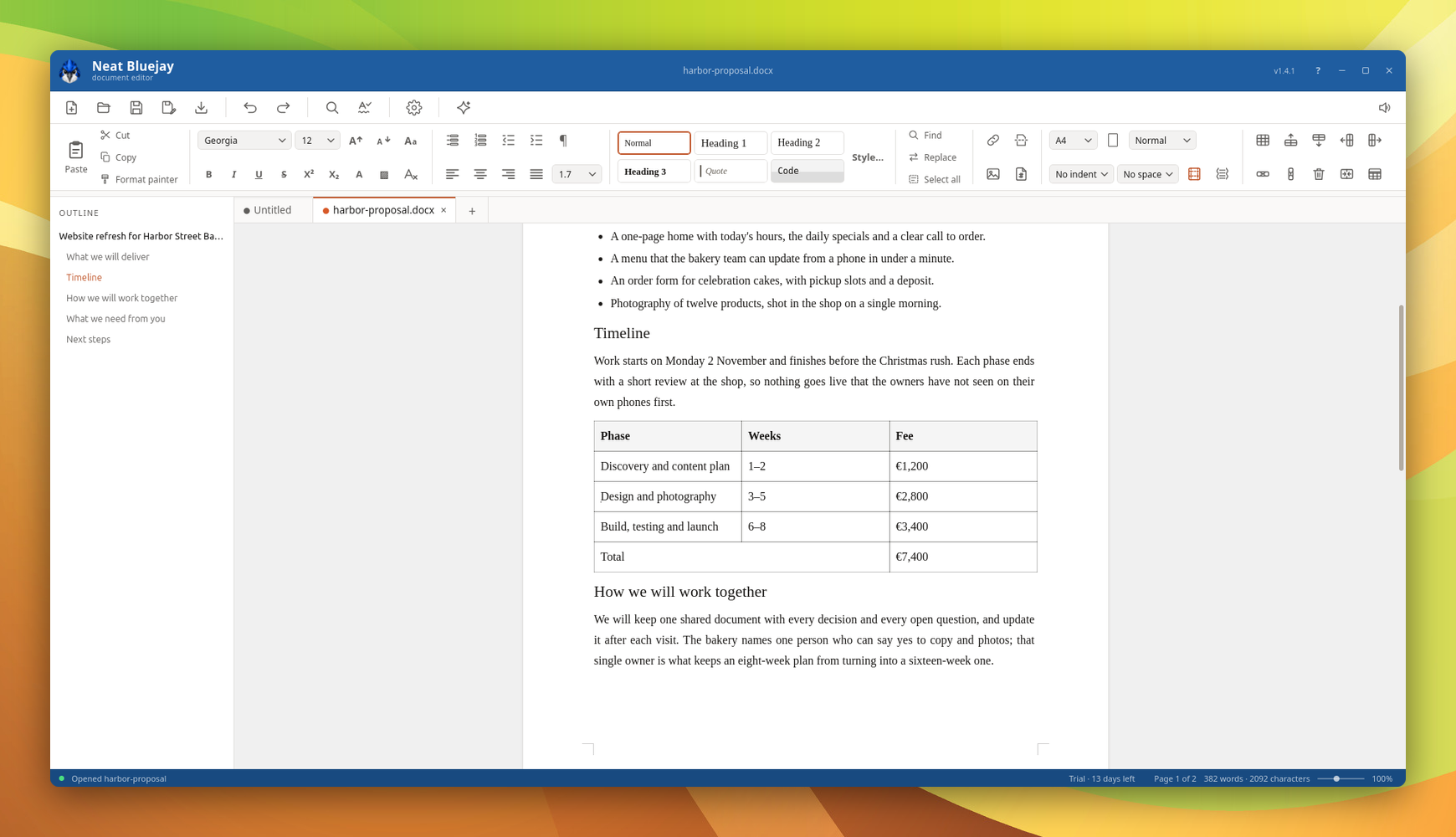
paragraph style rather than from the paragraph itself. Tables arrive whole: cells,
header row and merged cells, and they leave the same way in the exported DOCX and PDF.
You can create them here too — a grid on the ribbon — and edit them from a
Table group that shows up while the cursor is inside one: rows, columns, merge or split
cells, header row.
The page setup comes in too: a .docx opens with its own paper (A4, Letter or Legal),
orientation and margins. If its top and bottom margins differ, the top one is used for
both. A .txt, .md, .odt or .rtf opens on the default page setup. A .md also keeps
its Markdown formatting — bold, lists, tables, links, quotes and code — and saves as .docx
with headings, bold, lists, tables and links. Headings below level 3 become level 3,
task boxes show as ☐ and ☑, embedded HTML shows as text, remote images become a link, and
local images are read from the .md’s folder.
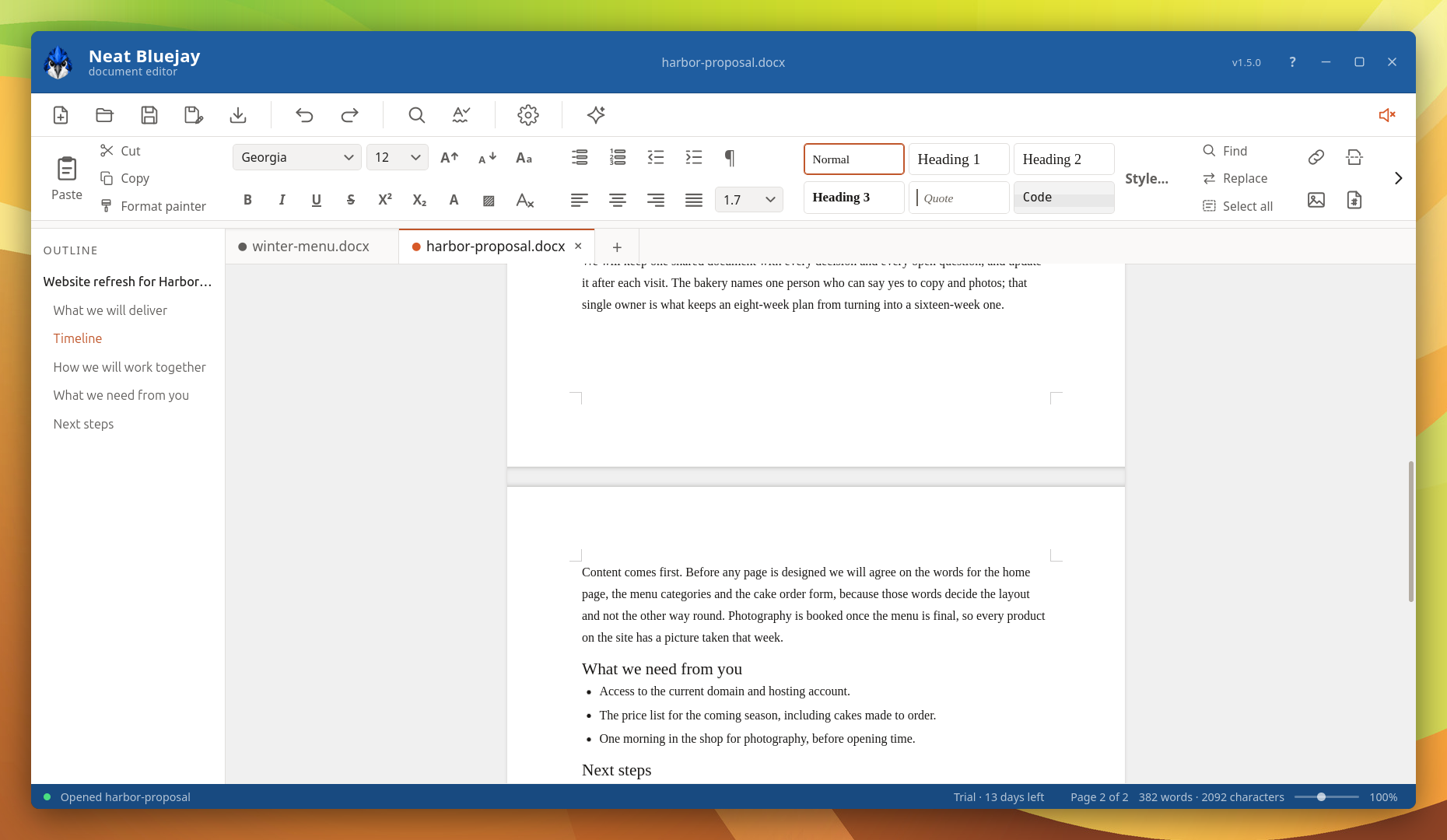
One more, on pagination: a page break falls between blocks, and inside a table
between two of its rows — the same place the PDF breaks it. Two things do not
split: a paragraph, or a single table row, taller than a whole page; those overflow
instead. And in the PDF the header row is not repeated on the pages after the first
(in the exported DOCX it is, because Word repeats it).